One shared record for your school.
UniSys brings your counseling office, your students and mentors studying abroad onto one shared record. Nothing is booked without your approval.
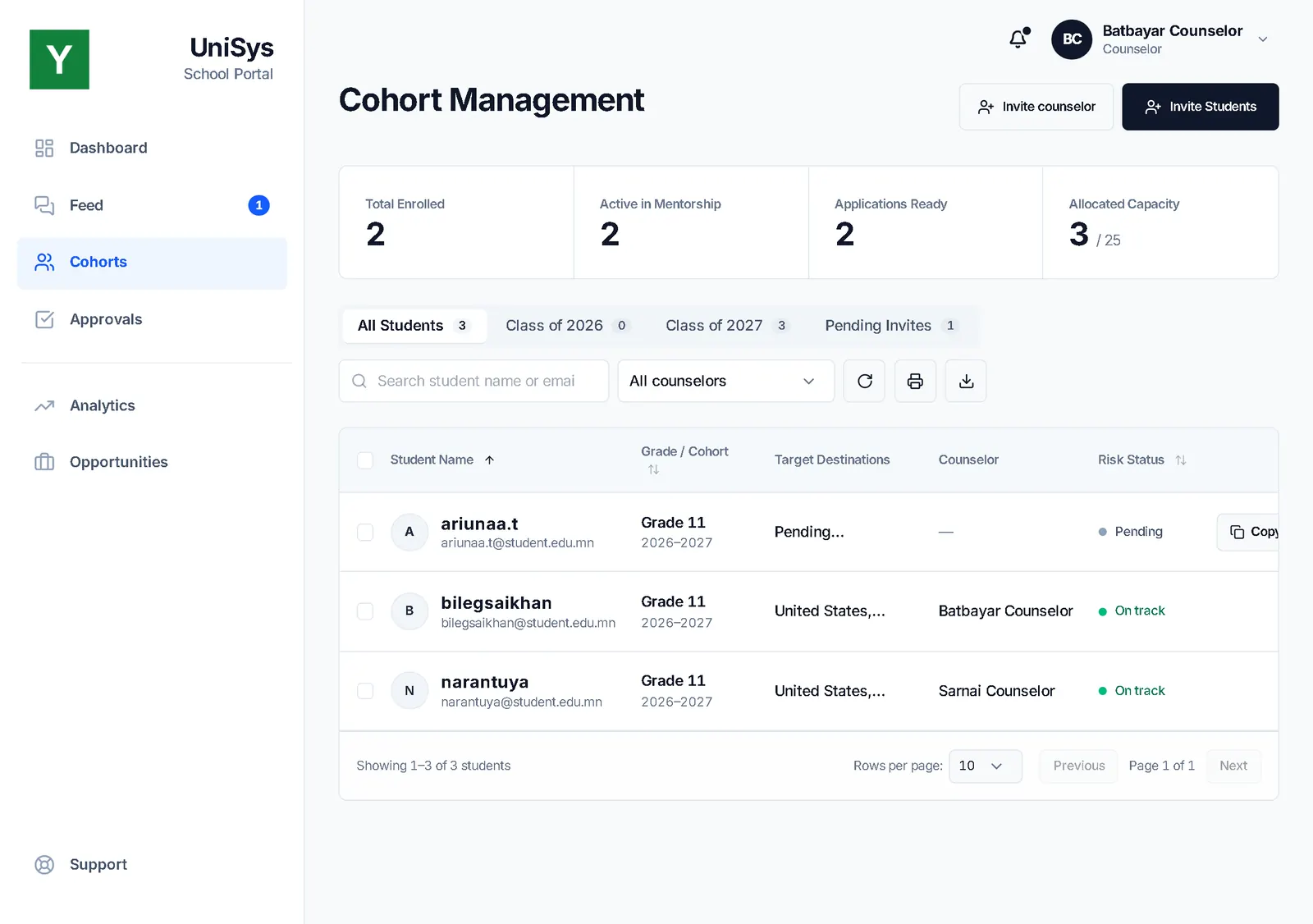


Today, college counseling is scattered across spreadsheets, inboxes and chat groups.
- College research
- College comparison
- College applications
- Application deadlines
- Action items
- Counseling sessions
- Meeting notes
- Follow-up tasks
- Messy calendars
- Upcoming tests
- Test scores
- Transcripts
- Recommendation letters
One Integrated Hub
One record. Three ways in.
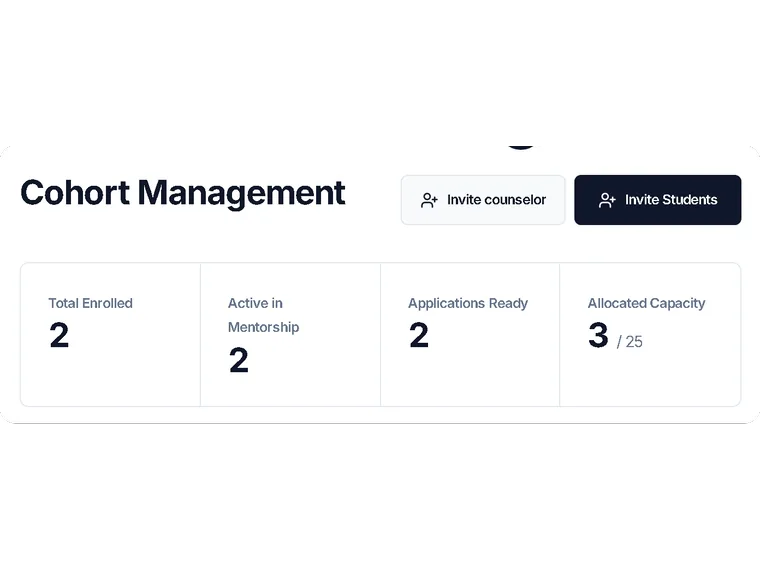
Oversee the whole cohort.
See every student’s progress, milestones and open requests in one place.
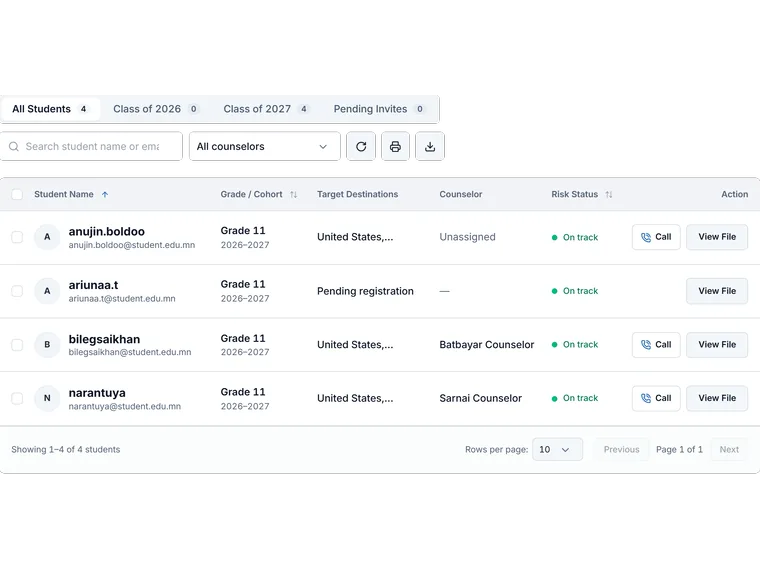
Cohort reports in one click.
Download your cohort as a spreadsheet, with grades, applications and mentoring hours, or print it as a report.
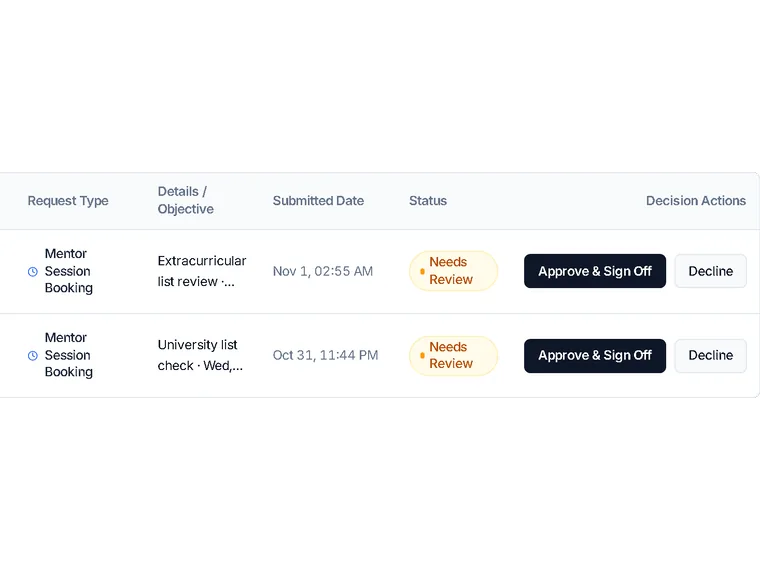
Approve before it is booked.
Session requests land in your queue. Nothing is scheduled until you approve it.
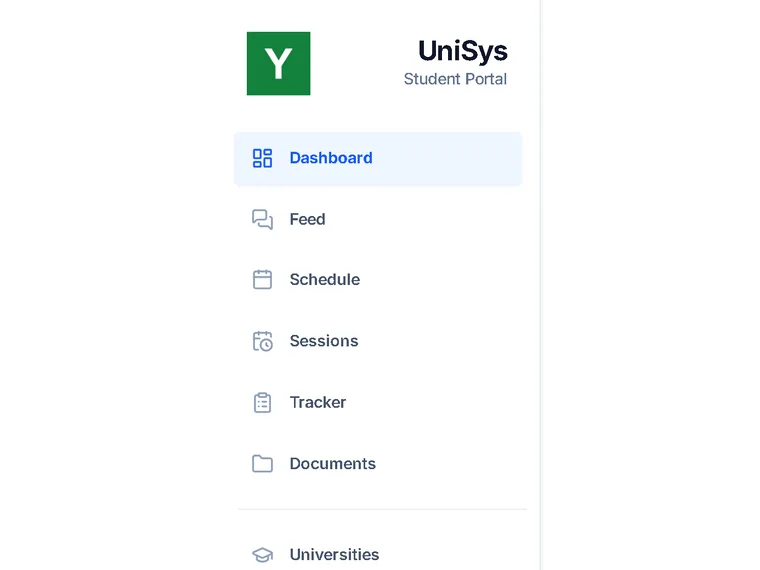
Your branding.
Students sign in under your school’s logo and colors.
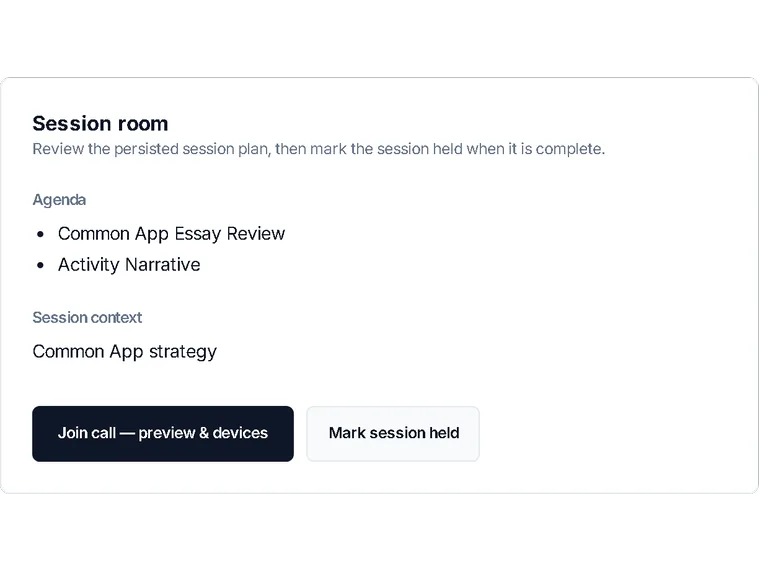
A call room built in.
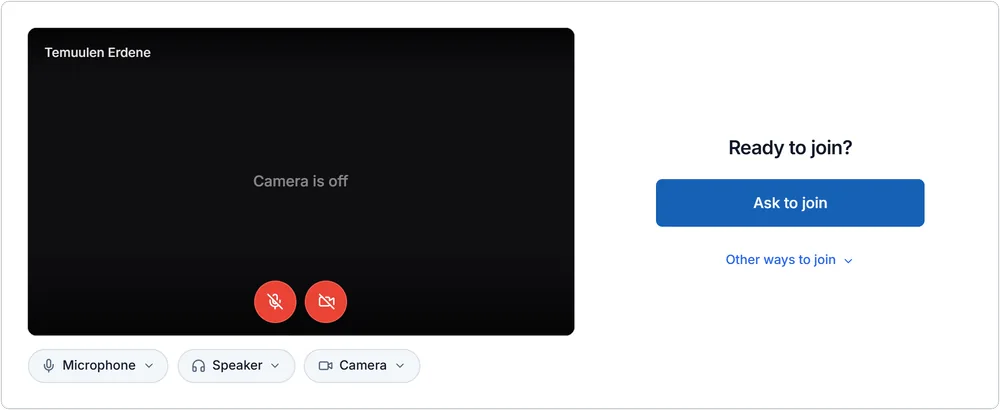
Sessions between mentors and students run inside UniSys, not on outside apps.
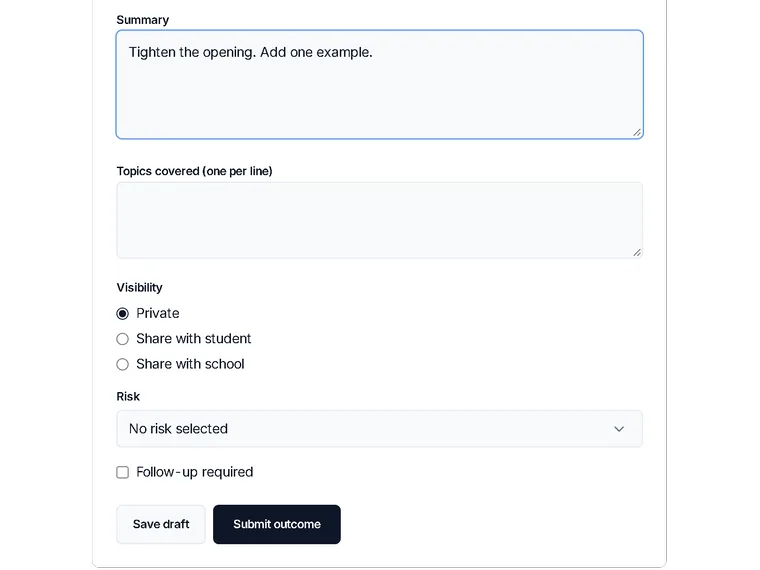
Session notes within 24 hours.
Mentors submit required notes within a day, so everyone stays informed and on track.
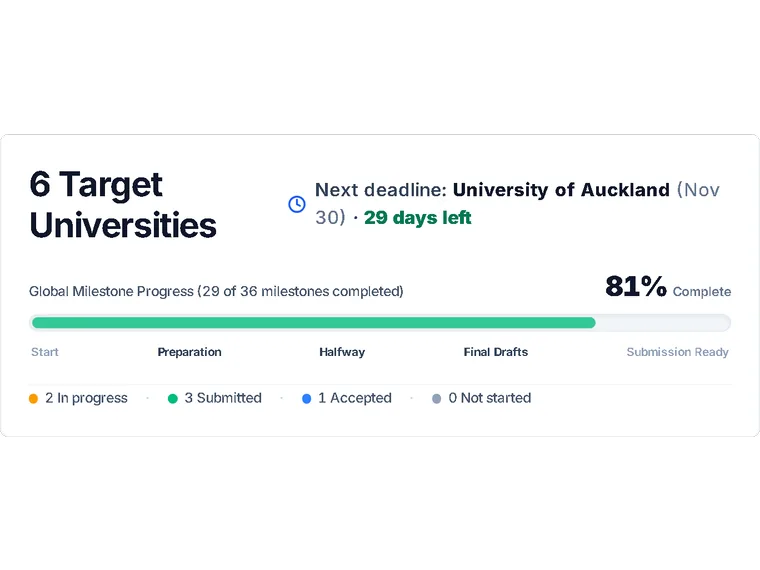
A tracker per university.
Each application follows a four-phase workflow, with its action items on the dashboard.
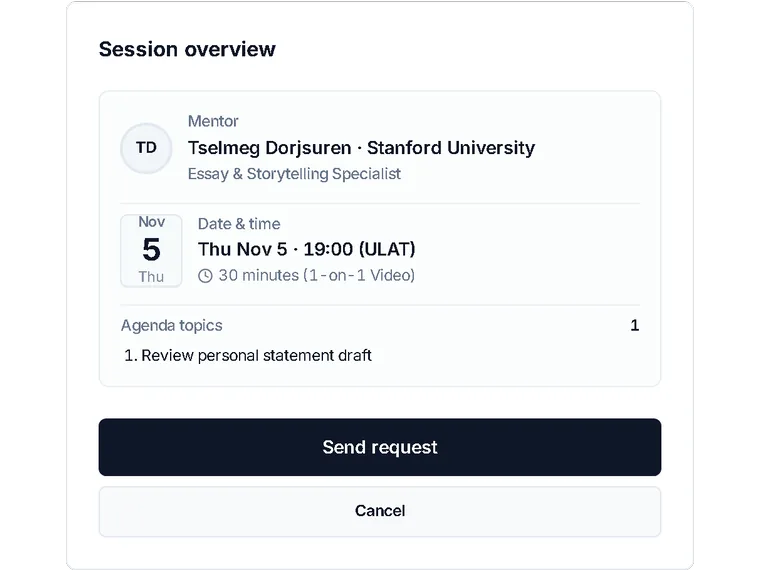
Book sessions when ready.
Once the required tasks are done, students request a session for your approval.


Nothing left untracked.
The student finishes the required tasks.
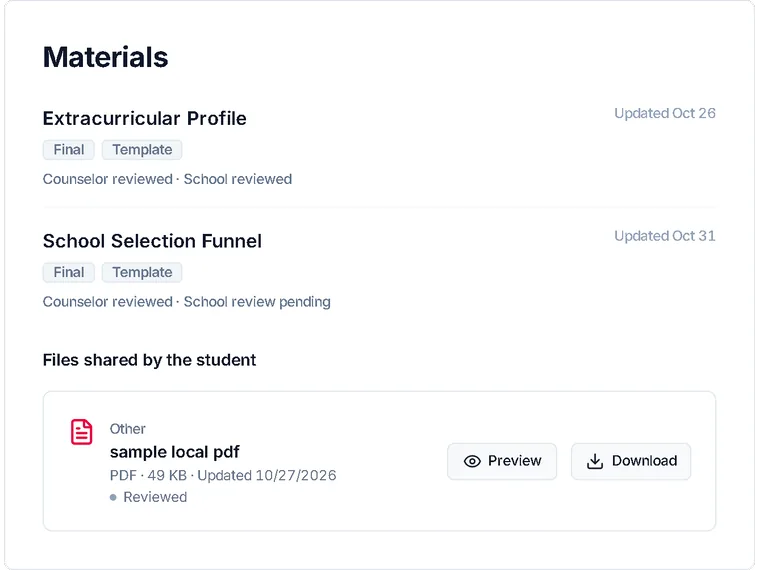
Your student flow · Tasks doneSample data Then they request a session.
Your student flow · Session requestedSample data You approve it.
Waiting for you
Sample data- Student AExtracurricular list reviewNeeds review
- Student BPersonal statement reviewNeeds review
- Student CUniversity list checkNeeds review
The queue is clear. Every booked session went through you.
Approval history
Nothing decided yet.
Meet inside UniSys.
Conversations stay in UniSys.
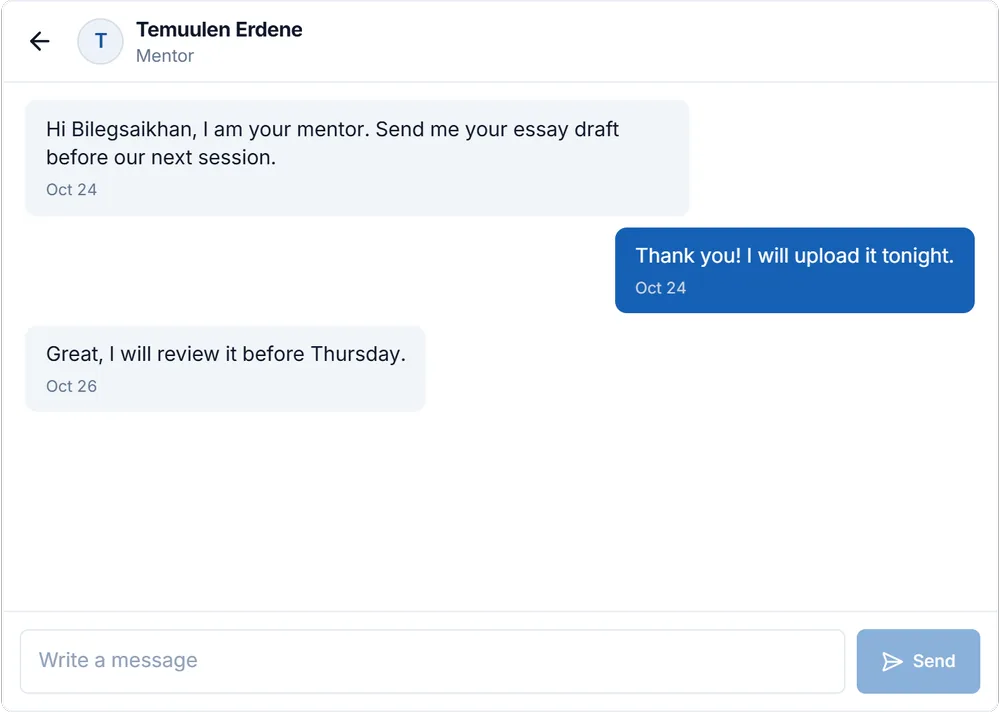
Sample data

Kept apart. Kept private.
Records kept apart
Each school’s records are separated at database level. One school never sees another’s.
Invitation only
There is no public sign-up. Every invitation works once and expires after seven days.
Consent recorded
A guardian’s consent is recorded when the student is onboarded.
Private by default
Sensitive circumstances are hidden from mentor views, student financial details stay private, and no student photos are stored.
One closed loop
Mentors and schools work through the platform, so the school keeps sight of every session.
Vetted mentors
Mentors are Mongolian scholars studying abroad. They are vetted and placed in tiers.
First questions
Can another school see our students?
No. Your school’s records are kept separate, at database level.
What does the counseling office see?
Your school’s students, their sessions and the requests waiting for your approval. We go through exactly what the office sees in the demo.
Do we need our own counselor?
Not necessarily. A school can run UniSys with its own counselor, or have UniSys manage the counseling for it. We cover both in the demo.
What does it cost?
We discuss pricing with your school in the demo. There is no price list on this page.
We run several schools. Can we use it?
Each school keeps its own separate records. Tell us about your group in the form, and we will go through how it would be set up in the demo.
See it with your own school.
Explore the shared record and school approval workflow using sample data.
Book a demo
For school leaders and counseling offices: see students, mentors and session requests in one place.